
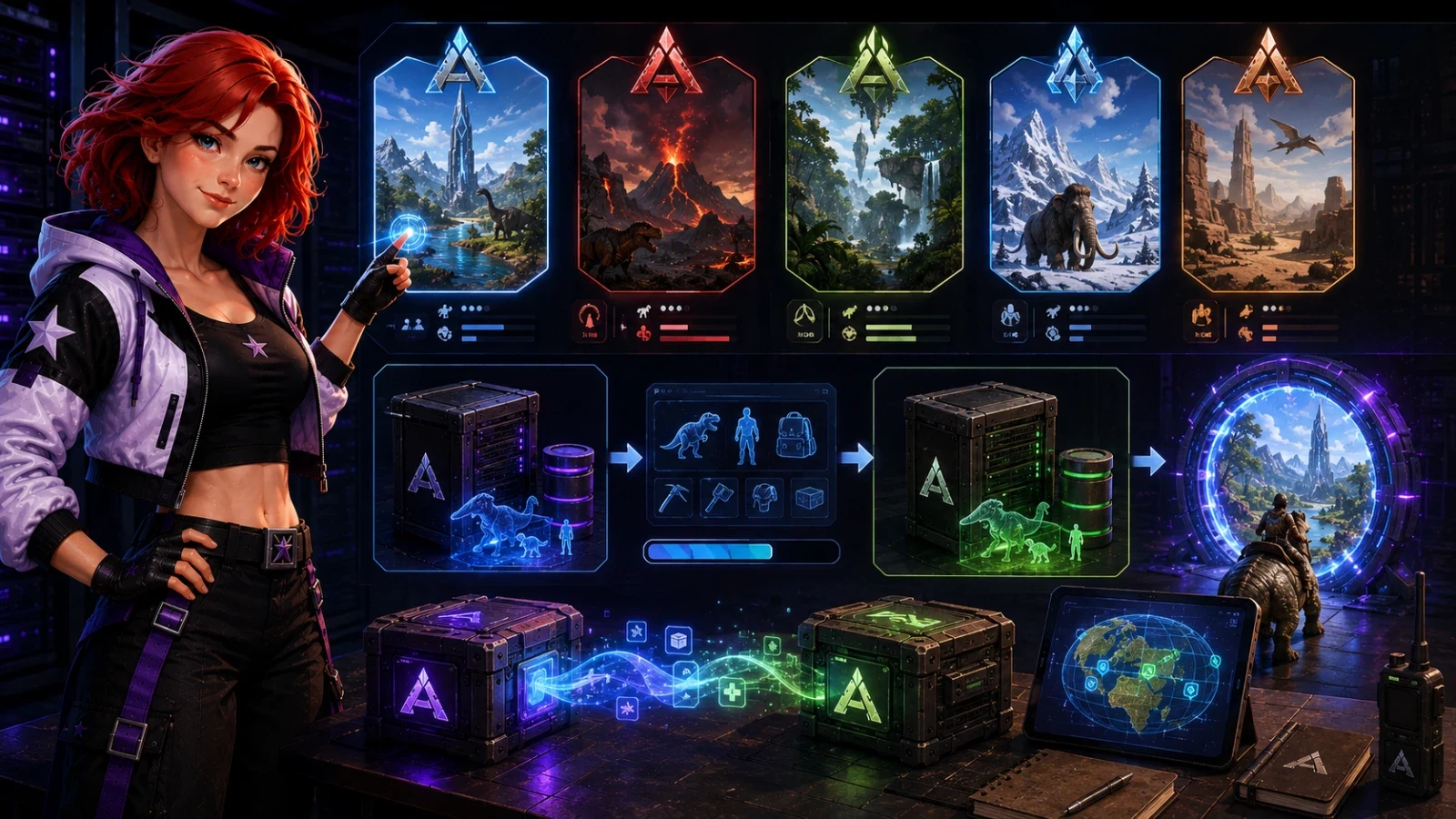
Ragnarok and Fjordur often use 2 to 4 GB more RAM than The Island with the same number of players. The right map choice depends on three concrete criteria: available memory, the actual level of your group, and the time you are willing to spend managing transfers. Changing ARK map does not delete the old save: each map keeps its file, so going back and forth remains possible if the server is configured properly.
Choosing an ARK server map with RAM, players and level
Start with RAM. Not with the map that looks appealing on Friday night. On ARK Survival Evolved, The Island runs properly around 4 to 6 GB for 5 to 10 players. Ragnarok, Lost Island and Fjordur are more in the 8 to 14 GB range, because the server keeps more areas, more caves, more spawn points and more wild entities in memory.
Then look at the group level. A level 20 tribe on Aberration spends more time running after its bags than making progress. No flyers, radiation, mushrooms, vertical terrain, the map punishes mistakes quickly. The Island handles better the errors of players who are discovering bosses, artifacts and the first stone bases.
Then comes administration. A server open on port 7777, with Steam query on 27015, must stay readable in the logs. When RAM goes over 85 % during an automatic save, players see rubberbanding, dinos teleport, then sometimes a Steam timeout. A save every 15 minutes reduces the loss after a crash, but a map that is too heavy can freeze the server for several seconds on each write.
Leave some headroom. If your machine has 8 GB total, do not run Fjordur for 20 players. The system, SteamCMD, logs and mods do not live in a vacuum.
Compare the official ARK maps by memory and difficulty
The figures below give a baseline for an ARK Survival Evolved server without a 40 mod pack and with 5 to 20 players. A heavy creature mod can easily add 500 MB to 2 GB. A base with 300 turrets, 80 dinos out and dozens of Tek structures weighs more than an empty biome, even if nobody goes there.
| Official map | Launch name | RAM to plan for | Gameplay level | Limit to know |
|---|---|---|---|---|
| The Island | TheIsland | 4 to 6 GB | Beginner to intermediate | Clear progression, smaller map, classic bosses. |
| Scorched Earth | ScorchedEarth_P | 5 to 7 GB | Intermediate | Heat, scarce water, harsh beginnings for newcomers. |
| The Center | TheCenter | 6 to 8 GB | Intermediate | Large map, lots of water, less guided progression. |
| Ragnarok | Ragnarok | 7 to 10 GB | Intermediate | Very large, good for exploration, heavier in RAM. |
| Aberration | Aberration_P | 7 to 10 GB | Confirmed | No flyers, radiation, verticality, deadly zones. |
| Extinction | Extinction | 7 to 10 GB | Confirmed | Events, corruption, base defense more demanding. |
| Valguero | Valguero_P | 7 to 9 GB | Intermediate | Good compromise, but the Aberration area needs to be handled carefully. |
| Genesis Part 1 | Genesis | 8 to 10 GB | Confirmed | Missions, separate zones, different play habits. |
| Crystal Isles | CrystalIsles | 8 to 11 GB | Intermediate | Huge, beautiful, but costly with lots of bases. |
| Genesis Part 2 | Gen2 | 8 to 12 GB | Advanced | Fast loot, accelerated progression, fragile PvP balance. |
| Lost Island | LostIsland | 9 to 12 GB | Advanced | Large map, dense spawns, heavy load at the end of a wipe. |
| Fjordur | Fjordur | 10 to 14 GB | Advanced | Realms, teleporters, many loaded areas. |
On ARK: Survival Ascended, add 4 to 8 GB to these estimates depending on the map and the number of players. Do not move an ASE server from 6 GB to ASA while keeping the same memory budget. It's the kind of migration that starts, then crashes when everyone logs in.
The Island, Ragnarok or Aberration, which one to launch first
The Island remains the safest starting point for a mixed community. The map teaches the game without hiding the basics. Caves, obelisks, boss Broodmother, Megapithecus and Dragon provide a clear path. With 6 GB of RAM, 10 players and few mods, it handles busy evenings better than a giant map. Its limit shows up quickly, experienced players find it short after 100 to 150 hours.
Ragnarok attracts for good reasons. The map is large, varied, generous in resources, with wyverns, desert areas, snow, plains and natural bases. For a community PvE server with 15 to 25 players, it often keeps players connected longer. The problem comes on the machine side. At 8 GB, it works. At 6 GB with several mods and large bases, it struggles during saves.
Aberration is a very good bad idea if the group is just starting out. The launch name Aberration_P hides a map that changes the rules, no classic flyers, lighting to manage, radiation, nameless, reapers, vertical routes. Players who like suffering properly love it. The others leave after the third bag lost in the mushrooms. Launch it when the tribe already knows cryopods, fabricators, bosses and risk management.
For the request the island ragnarok aberration, the answer is one line, The Island to learn, Ragnarok to last, Aberration to test an already solid group.
Change ARK map without deleting the old save
The trap often comes later, changing ARK map does not automatically replace the old world. ARK keeps one save per map. When the server launches The Island, it loads a TheIsland.ark world file. When it launches Ragnarok, it creates or loads Ragnarok.ark. The save folder stays the same in many installs, for example ShooterGame/Saved/SavedArks, but the map file changes.
That is why going back and forth works. You switch from The Island to Ragnarok on Friday, then put The Island back on Monday. The server finds the The Island world in its last state, with its structures and dinos from that map, as long as no one has deleted or overwritten the files. This behavior lets you test an ARK server map without burning three months of building.
- Stop the server from the console or the panel. An on-the-fly change leaves files open.
- Check the save folder. Look for the world files TheIsland.ark, Ragnarok.ark or Aberration_P.ark depending on the map.
- Change the map name in the launch line, not in the difficulty settings.
- Restart and read the first 30 lines of the log. The server announces the loaded map before opening port 7777.
Watch the parameter ?AltSaveDirectoryName=. It forces another save folder. If you add or remove it between two restarts, the world may seem gone when it is just waiting in another directory.
Moving players, dinos and items between two ARK maps
Changing map and transferring a tribe are not the same operation. In the first case, the server loads another world file. In the second, survivors, dinos or items pass through obelisk, Tek terminal or drop, with server-side rules. Dumb losses often start there.
To allow transfers on a private cluster, the servers must share the same cluster ID. The launch options use -clusterid with the same value on each instance, and often -ClusterDirOverride to point to the same transfer folder. If The Island runs on 7777 and Ragnarok on 7779, each server also keeps its QueryPort, for example 27015 and 27017. Two servers on the same port cannot coexist.
The restrictions are then set in GameUserSettings.ini or in the launch line depending on the installation. The options PreventDownloadSurvivors, PreventDownloadItems and PreventDownloadDinos block characters, items and creatures respectively when they are set to True. Set them to False if players must travel. Set them to True on a season server, otherwise a level 105 player arrives with an inventory that breaks all progression.
Some content remains tricky. Boss tributes, Element, some items tied to DLC and creatures specific to a map may be limited or unusable elsewhere. Test with a level 1 alt character before opening transfers to 30 players. This test takes 10 minutes. A broken economy takes a week to fix.
Preparing the ARK map change in the server files
The manual process only takes a few steps, but the order matters. First stop the server. ARK writes world, tribe and player files during shutdown. If you cut the process too early, a .ark file can remain incomplete. In the logs, the expected message looks like Saving world, then World Save Complete.
Restoring a backup overwrites the current state of the targeted world. Structures, tamed dinos, items on the ground and changes made after the date of the restored file disappear.
Copy the save folder before touching the map. On Linux, a dated copy avoids the classic mistake, the archive created right after the blunder.
cp -a ShooterGame/Saved/SavedArks ShooterGame/Saved/SavedArks-before-ragnarokThe map is changed in the startup line for the server. On Linux, it looks like ShooterGame/Binaries/Linux/ShooterGameServer followed by the map name, then the options ?listen, ?SessionName, ?Port=7777 and ?QueryPort=27015. Replace TheIsland with Ragnarok, Valguero_P or Aberration_P. Do not look in GameUserSettings.ini for some magic MapName key, on many installations, it does not exist.
On Starmine, the panel avoids changing this line by hand, you choose the map, it keeps the ports, the save folder and the existing options in the same place.
If the server no longer starts, open the latest log in ShooterGame/Saved/Logs. A misspelled map name often produces a startup loop or a stop before listening on the QueryPort.
Which ARK map should you choose based on your server profile
For 5 to 10 players who are restarting ARK after a break, choose The Island. The RAM required stays low, the goals are easy to understand, and new players do not get lost in the mechanics. Set the difficulty to 5 if you want wild dinos at level 150 on compatible maps, with OverrideOfficialDifficulty=5.0. Below that, veterans get bored quickly.
For a PvE community of 15 to 25 players, choose Ragnarok or Valguero. Ragnarok needs more memory, often 8 to 10 GB before mods, but it gives you space and varied biomes. Valguero is a little lighter and keeps progression more compact. Avoid Crystal Isles if your players build very large, the map is beautiful, but huge bases and busy areas make RAM usage rise faster than expected.
For a challenge server, choose Aberration. Announce it before opening. No flyers, dangerous areas, vertical progression. A player who comes to place a base in peace will not stay. An organized group, with voice chat and farming habits, will find tension there that The Island no longer provides.
For an event server lasting 2 to 4 weeks, choose Fjordur or Lost Island only if the machine can handle it. Start with 12 GB to avoid dirty shutdowns in the evening, especially with 20 players and creature mods. For a long rotation, keep backups of each map. You can do The Island in January, Ragnarok in March, then come back to The Island without deleting the original world.
Guides
Does changing maps delete my dinos and my bases?
No. Changing maps does not delete the old save if you do not touch the files. TheIsland.ark, Ragnarok.ark or Aberration_P.ark remain in the save folder. The dinos and bases for each map stay attached to their world.
Why does my character come back at level 1 after a map change?
The server may be loading another save folder, often because of ?AltSaveDirectoryName= or an incomplete restore. Also check the PreventDownloadSurvivors options and the cluster ID if several maps are running at the same time. A transferred character is not the same thing as a local character on a map.
Is Ragnarok heavier than The Island?
Yes. The Island often uses between 4 and 6 GB on a small ARK Survival Evolved server, while Ragnarok usually requires 7 to 10 GB. The map size, spawn areas and large bases explain the difference.
Can Fjordur be run with 4 GB of RAM?
The server can sometimes start, but it does not hold up properly with players, mods and bases. Fjordur is more suited to 10 to 14 GB on ARK Survival Evolved. At 4 GB, saves and loading quickly cause timeouts.