Automatic renewal: the same amount is charged to this card at each renewal. Cancel in one click from the panel: the period already paid stays yours.
Your order
——
—
Version—Duration—Monthly price—Discount—Method—
Total to pay—
Your selectionNo game chosen · no plan · 1 month·€ incl. VAT
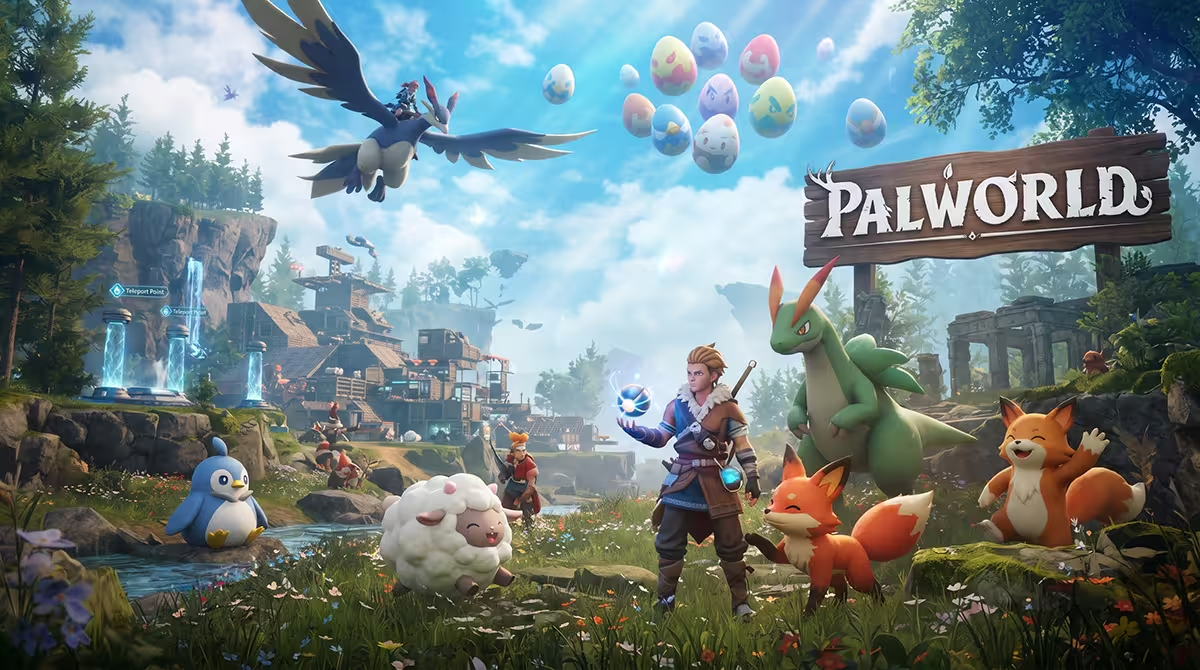
Catch your Pals, build up your base, explore the whole archipelago
A dedicated Palworld server runs continuously on our machines, independently of the player who started the game. When a game is hosted locally, everything stops as soon as the host leaves the game. Here, your friends keep exploring, catching Pals, running the base's production lines and progressing while you are offline.
Running Palworld at home means leaving a PC on day and night, with the game and the server fighting over the same memory. With us, a Ryzen 9 at 5.4 GHz, DDR5 ECC and NVMe Gen4 absorb the load without slowing down. DDoS protection is permanent and your personal address is never exposed to players.
The Starmine panel exposes the Palworld settings directly: server name, access password, admin password and player count up to 32. Your choices are automatically written to the PalWorldSettings.ini file. Autosave runs every 30 seconds, and the world reset is triggered from the panel whenever you want to start over on a blank map.
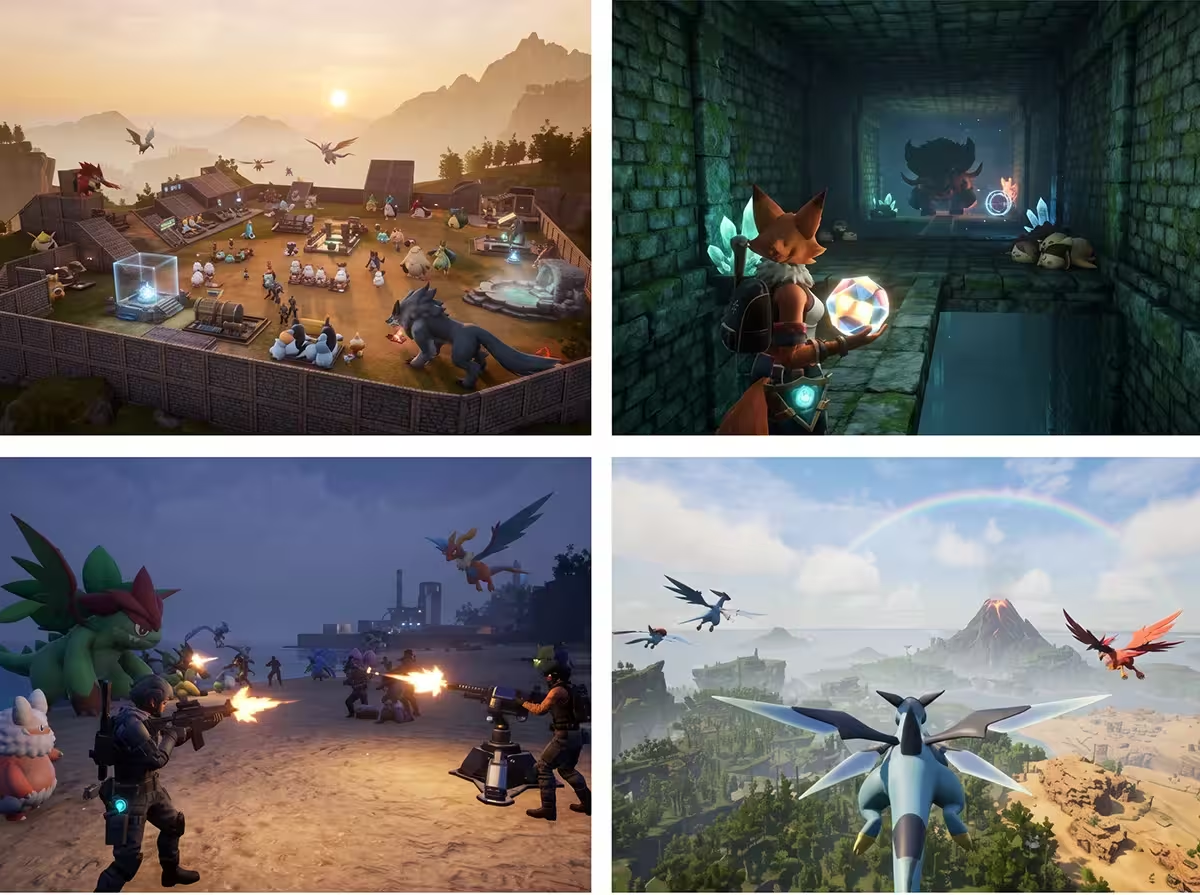
Palworld in pictures
Frequently asked questions about hosting Palworld
How many players on a Palworld server?
The player count is set in the panel, up to 32. Palworld mostly consumes memory: count on 16 GB at minimum for our plans on this game, and more if the group is large or the bases spread out. The limit is changed in the panel, with no reinstallation.
Does the server accept Palworld mods?
The panel directly manages the game's official settings, the ones that go through PalWorldSettings.ini. For everything else, the web file manager gives you access to the server files, and the live console shows you what the server reports at startup. It is up to you to check compatibility with the installed version.
What is the difference with a locally hosted game?
A local game depends on the host's PC: when they disconnect, the world closes and nobody plays. A dedicated server runs permanently, keeps the whole group's progress and does not expose your personal address. Your PC no longer shares its memory between the game and the server.
How often is the server saved?
The world autosave runs every 30 seconds, which limits any loss to a few moments of play in case of an incident. Automatic server backups are also kept and can be restored from the panel, without going through support.
Can we start over on a new world?
Yes. The world reset is triggered from the panel and regenerates a blank map, without reinstalling the server or changing the address. Remember to grab a backup first if you want to keep a record of the previous game. Your settings remain editable afterwards in the panel.
When can I connect after ordering?
The server is delivered installed and started within minutes. You receive a free subdomain, easy to share with your friends, and all that is left is to set the server name and the passwords in the panel before the first connection.
Can I switch to another game later?
Yes, changing game is free of charge: one command in the panel and your machine switches to any title in the catalog. If the group tires of Palworld, you keep the same plan. Remember to download a backup of the world before switching if you intend to come back to it.