Automatic renewal: the same amount is charged to this card at each renewal. Cancel in one click from the panel: the period already paid stays yours.
Your order
——
—
Version—Duration—Monthly price—Discount—Method—
Total to pay—
Your selectionNo game chosen · no plan · 1 month·€ incl. VAT
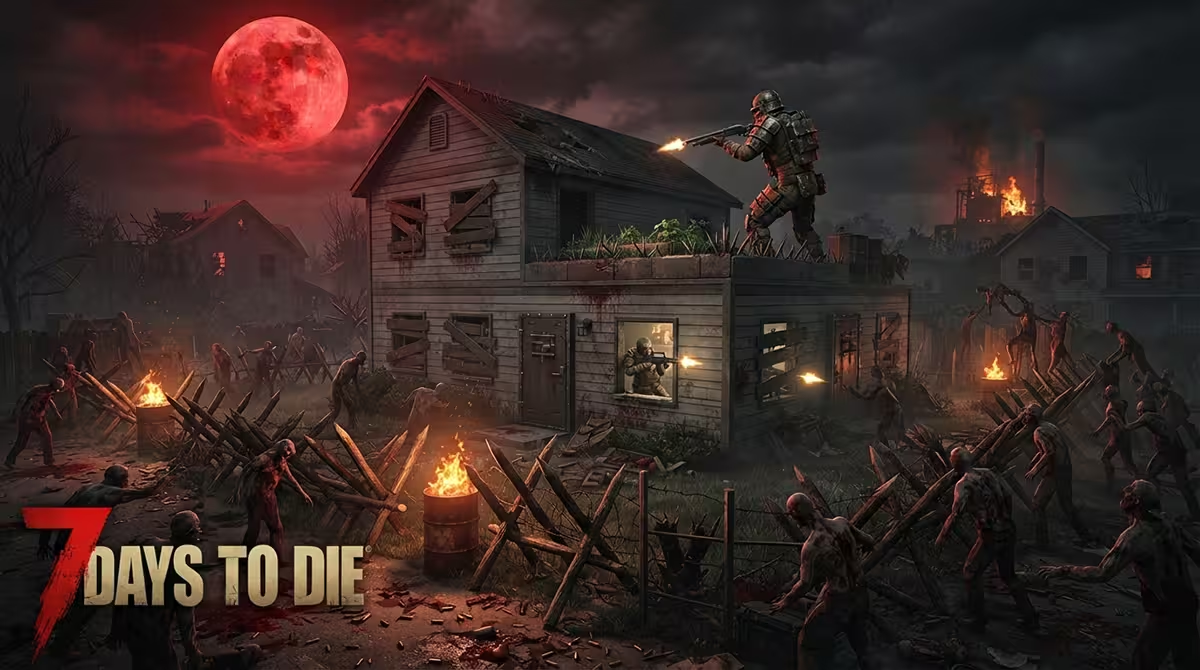
Survive the blood moon night together in 7 Days to Die
A dedicated 7 Days to Die server keeps your world running permanently, without depending on the player who starts the game. When the host disconnects, the others keep mining, fortifying the base before the blood moon night and growing their crops. Quest progress, collected loot and land claims stay in place every time you reconnect.
Hosted with us, the world stays online when your PC is off and your personal IP address is never exposed to your players. The Ryzen 9 at 5.4 GHz, DDR5 ECC and NVMe Gen4 absorb world generation and hordes without stutter. DDoS protection is permanent and included, and automatic backups are restored from the panel.
The panel exposes the settings that matter: Navezgane or randomly generated world, world size and seed, player-versus-player combat, land claims, anti-cheat for overhauls. Since V3, the game rules, difficulty, blood moons, zombie speed, loot, day length, drop on death, are gathered in one sandbox code that you build in the game and paste into the panel. The live console, scheduled tasks and CPU and memory statistics round out the set.
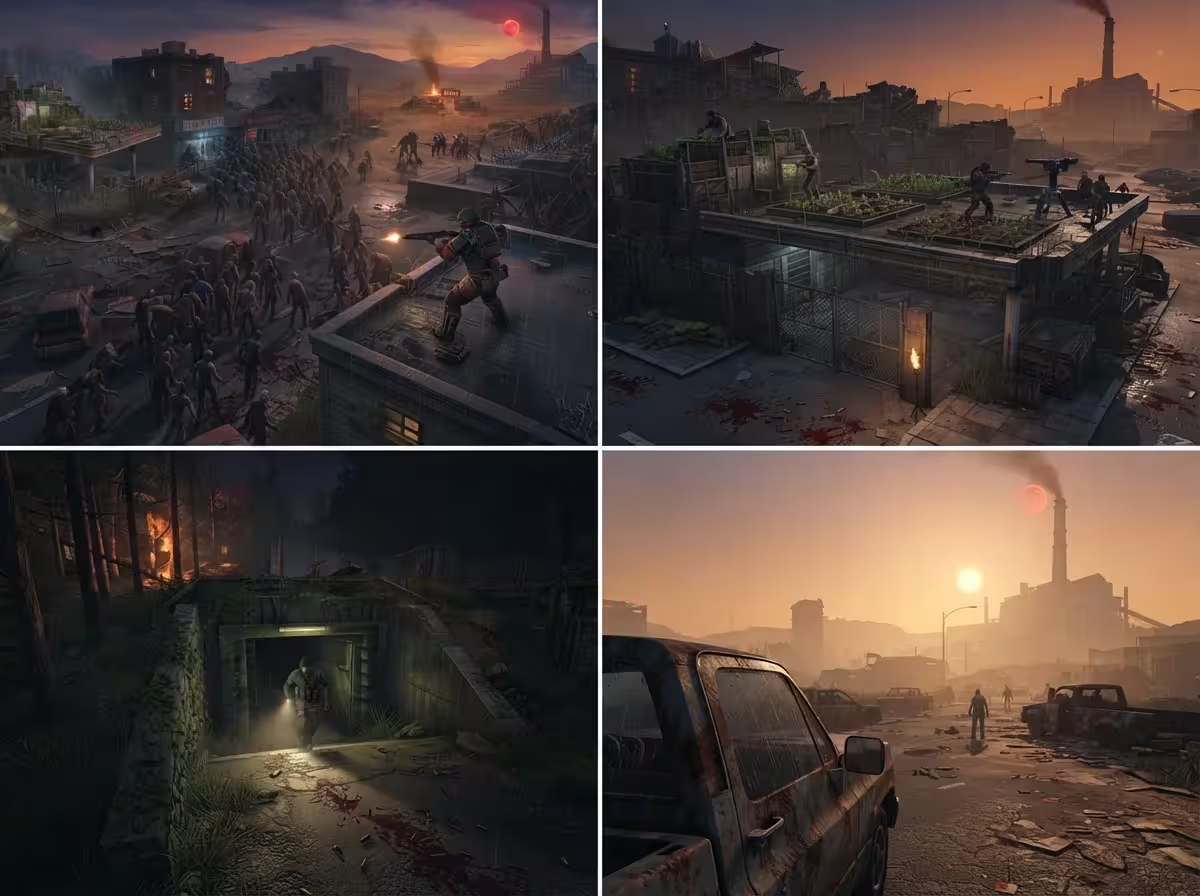
7 Days to Die in pictures
Frequently asked questions about hosting 7 Days to Die
How much memory should I plan for a generated map?
Our plans for this game start at 8 GB. That is the baseline for a generated map, a few players and entity tracking during a blood moon night. A large world, many built bases or an overhaul demand more. The panel's memory statistics show you where you stand.
Does Darkness Falls run on your server?
Yes. First flip the panel switch that disables the EAC anti-cheat: without that, Darkness Falls, Undead Legacy or War of the Walkers will not load. Then drop the mod folders in through the web file manager. They stay in place after server updates.
What does a dedicated server bring over a local game?
Locally, the world stops as soon as you leave the game and your machine handles both rendering and simulation. Your personal IP address is also visible to every player. With us, the server runs continuously on a dedicated machine, behind permanent DDoS protection.
Navezgane or random world, do I choose in the panel?
Both are in the panel settings. You choose Navezgane or a randomly generated world, its size and its seed. Changing the seed or the map type starts over on a new world, so remember to grab your save first if you want to keep it.
Can we adjust the difficulty and the blood moons?
Yes, through the sandbox code introduced with V3 of the game. In 7 Days to Die, open New game then Sandbox options, set difficulty, blood moons, zombie speed, loot, XP, day length and drop on death, copy the code and paste it into the panel field: it applies at the next restart. Player-versus-player combat and land claims remain separate fields.
Are my backups kept if something goes wrong?
Automatic backups are taken and restored from the panel, without going through support. That is useful after a game update, a mod that breaks the world or a base destroyed by mistake. You can also program scheduled tasks, a daily restart for example.
How long before I can play?
The server is delivered installed and started within minutes of ordering. You receive a free subdomain, simpler to pass along than an IP address. All that is left is to set the map and difficulty in the panel, then share the address with your group.