
The Files tab gives you the keys to your server volume: each Steam game has its own, isolated from the others, and you access it like on any serious hosting service.
Access
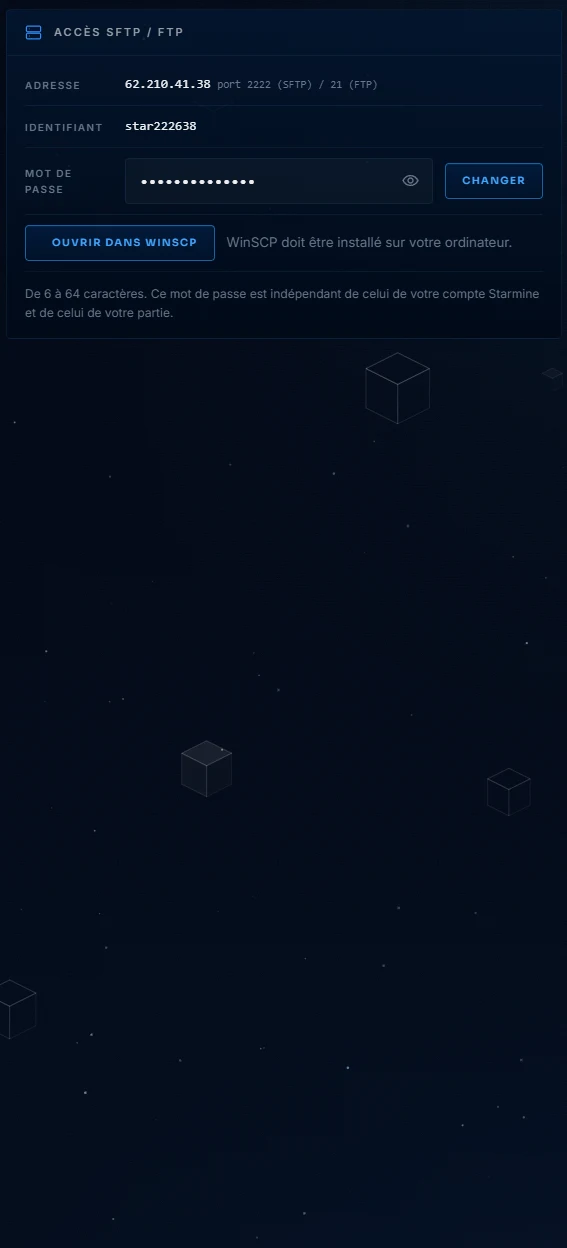
The address is your server address, port 2222 in SFTP (encrypted, preferred) or 21 in FTP. The "Open in WinSCP" button launches your client already connected, in SFTP. The password is specific to this access: you can change it here, without affecting the rest of your account.
What you'll find there
The volume contains the game files as the server sees them: fine-tuned configurations, maps, mod folders. This is the path to advanced settings that the Settings page does not expose, for example a mod configuration file. The golden rule does not change: a modified file only takes effect after a restart, and backing up before a major edit only takes two clicks.