
This page groups together the technical keys for your server: access to its files and its database. Two cards, two passwords, each independent from your Starmine account password.
SFTP / FTP access
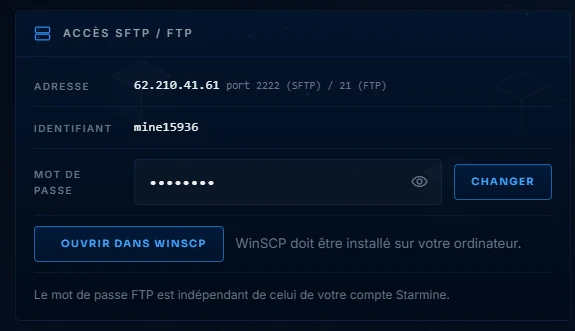
The address is your server address, port 2222 in SFTP (encrypted, recommended) or 21 in FTP. The « Open in WinSCP » button launches your client already connected if WinSCP is installed. The password can be changed here, without affecting the rest. For a quick edit, the panel file editor even avoids leaving the browser: edit, save, done.
The MySQL database
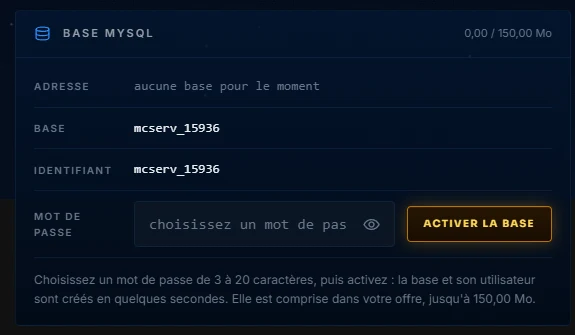
Each offer from SMALL and up includes a dedicated database. As long as it does not exist yet, the card offers to activate it: choose a password and the database and its user are created in a few seconds. Once active, the card shows the database server address (port 3306), the database name and the phpMyAdmin button to manage it in the browser. This is the database expected by economy, ranking or synchronization plugins.
One important detail: empty the password field then save deletes the database and all its content. The panel reminds you at the right moment, but it is better to know before.