
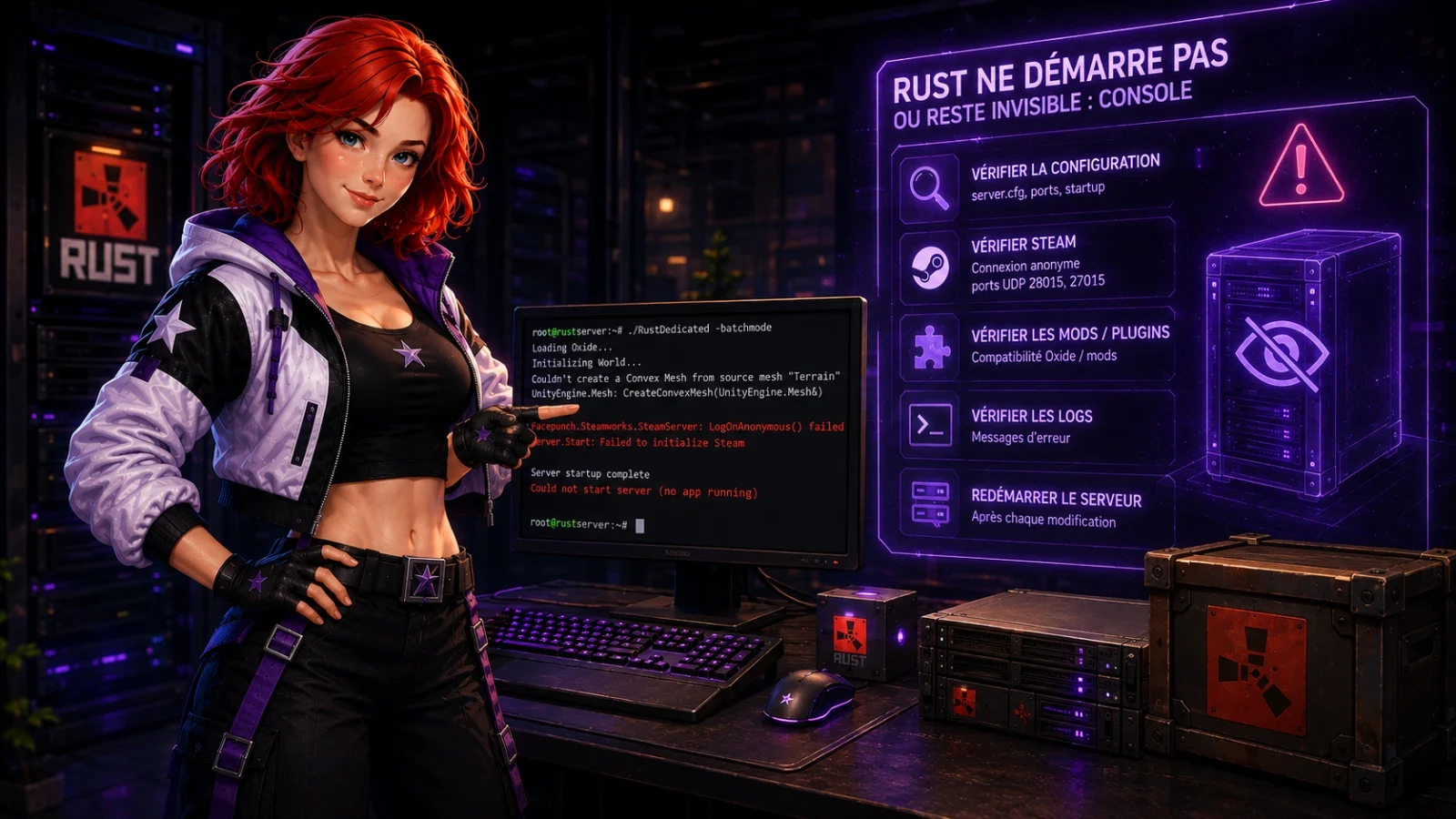
The server has been running for three minutes, but it is still missing from the Steam directory and Battlemetrics does not see it. On Rust, the console can be read, but it still does not accept server commands like Minecraft or SourceMod in many panels. Diagnosis is therefore done through the startup lines, open ports, configuration files, and the latest logs.
Read the Rust console without wasting ten minutes
A correct Rust startup leaves recognizable lines. You see the version, bundle loading, network opening, then a message saying the server is ready. First read logs/output_log.txt, especially after an automatic restart. The panel console often relays this stream, but it does not always behave like an interactive Rust console. If you type status or oxide.reload and nothing comes back, do not conclude too quickly that there is a failure. You may be reading the right log from the wrong tool.
tail -n 200 logs/output_log.txt
Keep the last 200 lines. Higher up, you quickly fall back on the old startup, the one that does not explain the current failure. Three markers are often enough. If the log stops before scene loading, check the installation or the update. If the log shows port 28015 then no Steam registration, focus on the network. If the log mentions Oxide, Carbon, Harmony, NullReferenceException or MissingMethodException after a game update, isolate the plugins. A clean Rust startup often takes 45 to 180 seconds depending on the map, disk, and number of plugins. After more than 5 minutes without a new line, the process is stuck or no longer exists.
Fix an invisible Rust server in the directory
The most common case is simple, and it wastes a lot of time. The server is listening, but the directory gets no response. Rust uses the UDP game port, often 28015, and a Steam query port close by, often 28016 depending on the configuration. WebRCON uses TCP, often 28016. Opening only TCP therefore does nothing for the Steam list. A firewall can show a green light because RCON responds, while UDP remains closed for the directory.
| Symptom | Likely cause | Diagnosis | Fix |
|---|---|---|---|
| Visible with direct connection, absent from the list | Steam query blocked | The log shows port 28015, but no server appears after 10 minutes | Open UDP 28015 and UDP 28016 on the firewall and the router |
| Connection impossible with IP:port | Wrong game port | The launch uses +server.port with 28015, but the panel routes another port | Match the launch port with the assigned port |
| Name missing after renaming | Steam filter or delay | The server responds directly, not in name search | Wait 5 to 15 minutes and search by IP |
Do not change three settings at the same time. First test the direct connection with IP:port. If it works, RustDedicated is starting and accepting players. The fault is then in the announcement, the filtering, or the query port. Note the ports assigned to the server in the same file as the RCON password. Also keep the game port stable. Changing the port breaks player favorites, and you end up recovering the issue on the support side.
Stop a restart loop after a Rust update
After a Thursday patch or a monthly forced wipe, a restart loop almost always comes from a server that was only half updated. Steam downloads several GB, then RustDedicated starts, loads an incompatible library, stops, and the supervisor relaunches it. The log then repeats the same 30 to 80 lines every minute. Look for Your server is out of date, App state is 0x202 after update job, Couldn't load root AssetBundle, or a crash just after Loading Oxide Core.
- Turn off auto-restart for 2 minutes. Otherwise the log loops and you look for an error that disappears under your eyes.
- Run a full Steam validation. An interrupted update sometimes leaves mixed version files.
- Restart without plugins if the crash happens after loading the mod layer.
steamcmd +login anonymous +app_update 258550 validate +quit
The 258550 number is the Steam application for the dedicated Rust server. validate takes longer than a normal update, but it replaces corrupted files. If the server still loops after validation, compare the crash time with plugin loading. A crash before SteamServer Initialized points to the installation. A crash after the network announcement points more to Oxide, Carbon, or a plugin. On wipe evenings, run a controlled manual update. An automatic restart every 30 seconds turns a missing file into a lost evening.
Isolate an Oxide error after forced wipe
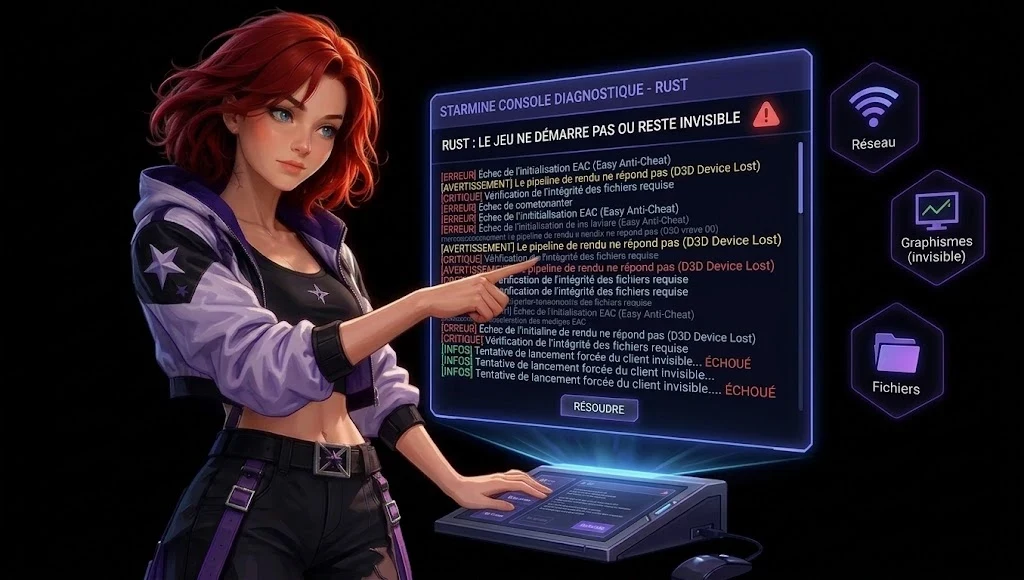
The day after a forced wipe, the wipe almost never breaks the server. The Rust API changes, then a plugin compiled the day before calls a method that no longer exists. Typical lines are Error while compiling, Failed to initialize plugin, MissingMethodException, NullReferenceException, or Plugin is using deprecated hook. A single plugin can prevent startup from finishing if its error loops during data loading.
Class the causes in this order. Start with the plugin that has not been updated since today's Rust version. Then check the missing dependency, for example ImageLibrary, Economics, ServerRewards, or Harmony. Finally check the broken data file in oxide/data, common after a sudden stop. The rare case remains the wrong version of Oxide installed on an up to date Rust binary.
- Rename the oxide/plugins folder to a side folder, then start without plugins.
- If the server starts, put the plugins back in groups of 5. A pack of 60 plugins can be sorted in less than 20 minutes with this method.
- When the crash comes back, read the last 50 lines again. The last plugin name mentioned is not always the culprit, but it gives the area.
Fix it by updating the plugin, then its dependencies. Do not delete oxide/data as a whole. You will lose kits, currencies, cooldowns, and sometimes clan bases. Before each forced wipe, keep a dated list of the plugins and versions. A text export is enough to avoid blind searching at 23 h.
Find a regenerated Rust map without a request
A regenerated map without a direct order almost always comes from a modified server identity. Rust stores saves by identity. If server.identity changes from serveur1 to wipe_test, Rust no longer finds the old world and creates a new folder. Same result if the seed changes from 12345 to 67890, if worldsize changes from 4000 to 4500, or if level changes between Procedural Map, Barren, and a custom map. The server does not ask for confirmation. It generates.
Before deleting a save or replacing a folder, copy the old server folder. You can lose the map, entities, chests, sleeping bags, blueprints depending on your configuration and several days of progression.
Check the file names. A procedural save contains the seed, the size, and a version counter in its name, for example proceduralmap.4000.12345.250.sav. If the new file contains 4500 or another seed, the regeneration comes from the settings. If the old file is in server/myserveur and the startup points elsewhere, the identity has changed.
Fix it by restoring exactly the previous identity, seed, worldsize, and level, then restore the most recent save. Do not rename the identity to test a wipe. Create a separate test instance. The names visible to players are changed with hostname, not with the storage identity.
Class Rust symptoms in five minutes
Clean troubleshooting starts with the order of the symptoms. A server invisible in the directory is more common than a real crash. A loop after update happens mainly on Thursday evening and after forced wipe. A broken plugin is spotted when the console mentions Oxide, Carbon, or a C# exception. A regenerated map almost always follows a launch change. This sorting avoids the wrong fix that costs a wipe.
| What you see | Line or clue to look for | Action that decides |
|---|---|---|
| Server started, players unable to find it | Ports 28015 UDP and 28016 UDP, Steam delay of 5 to 15 minutes | Test IP:port, then fix the firewall |
| Restart every 30 to 90 seconds | Your server is out of date or bundle introuvable | Validate the Steam installation |
| Crash after forced wipe | MissingMethodException or Error while compiling | Start without plugins, then add them back in batches |
| New map, same panicked players | seed, worldsize, level, or different identity | Restore the settings and the save |
The panel Starmine removes two annoying steps on this topic, finding the right startup log and running a server validation without writing the SteamCMD command. The diagnosis does not change. Read the console first, then touch the setting that matches the displayed message.
Guides
My friends can see the server in favorites, but not in Rust search. Is that normal?
Yes, for a few minutes. The Steam directory often takes 5 to 15 minutes before showing a server that is already responding to a direct connection. If IP:port works after a restart, first check the indexing delay and the UDP query port.
Why does the Rust console not respond when I type status?
On many hosts, the console shown is a log stream, not an interactive Rust console. It is used to read errors. To run status, ban, save or oxide.reload, use RCON or WebRCON.
Oxide shows an error, do I need to delete all the plugins?
No. Remove everything only if you are willing to rebuild your server manually. Set the plugins aside, start without them, then add them back in small batches to find the one that breaks startup.
My Rust map changed after a restart, are the bases lost?
Not necessarily. If the old identity folder and the .sav file still exist, you can restore the map by putting back the same seed, the same size, the same level and the same server identity. If the file was deleted and no backup exists, the map entities do not come back.