
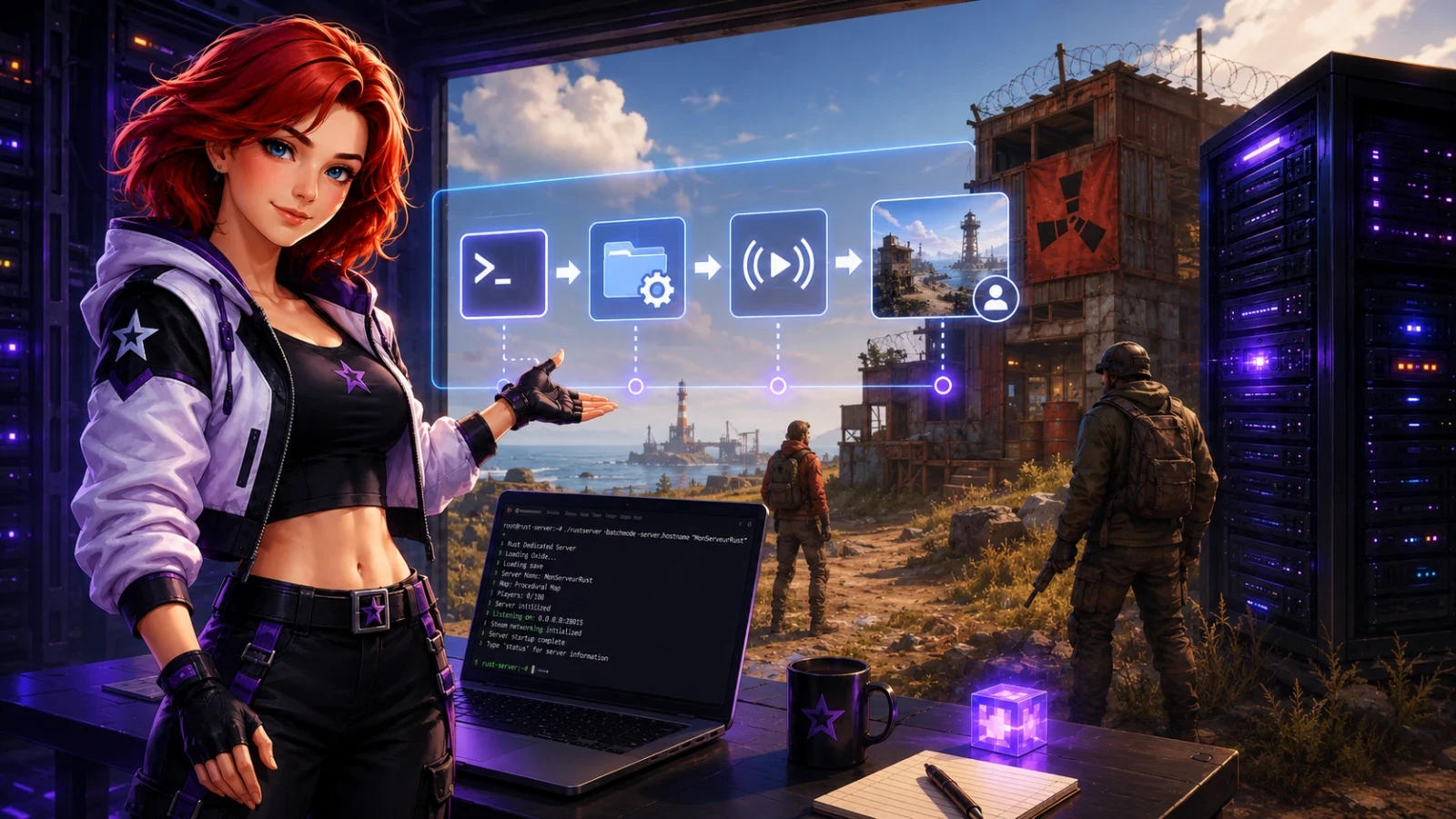
A first Rust start can sometimes stay silent for 5 to 10 minutes, with one CPU core at 100 % and nothing in the server list. The server generates the map from the seed, writes its files, then actually opens the connections. At the end, you launch Rust, look for the server name, and you can join with the IP address if the Steam list is slow.
Preparing the machine for a dedicated Rust server
Rust does not run like a small vanilla Minecraft server sitting in a corner. The server loads prefabs, monuments, loot entities, server-side anti-cheat and a procedural map that grows quickly. For a dedicated Rust server in 2025, 8 Go of RAM is the real minimum. This is not a pricing tier. Below 8 Go, a 3500 map often pushes Linux into swap, then automatic saves cause pauses of several seconds at the worst moment.
| Memory | What you get | Threshold that becomes bad |
|---|---|---|
| 4 Go | Possible startup on a small test map | 3000 map, 5 players, swap on the first save |
| 6 Go | Empty server or very light private server | 20 players, many monuments, heavy wipe |
| 8 Go | Good base for a 3500 map and 30 to 50 vanilla players | Heavy plugins, 4500 map, queues |
| 12 to 16 Go | Modded server, active wipe, margin for spikes | Beyond 100 players, the CPU bottlenecks before the RAM |
Also plan for at least 2 recent CPU cores, 25 to 35 Go of free disk space and a public IP. Open UDP 28015 for server.port, UDP 28017 for the Steam query, and TCP 28016 for rcon.port. RCON should be reserved for your administration IPs. A short RCON password ends up in a compromised Discord bot, then someone runs a command they should not have run.
Installing a Rust server with SteamCMD
SteamCMD retrieves the server files from Steam without installing the full Rust client. The dedicated application has ID 258550. On Ubuntu 22.04 or 24.04, create a separate user named rust, keep the server in /home/rust/rustserver, and do not run the binary as root. Root hides permission errors. You find them again the day an update writes files that your script can no longer replace.
- Install SteamCMD from the distribution repositories, then log in with the rust user. On Debian and Ubuntu, enable the i386 architecture before installation, because SteamCMD still depends on 32-bit libraries.
- Create the destination folder. A path without spaces avoids forgotten quotation marks in restart scripts.
- Download application 258550 with validation. Validation takes longer, but it fixes an incomplete binary after a network cut.
steamcmd +force_install_dir /home/rust/rustserver +login anonymous +app_update 258550 validate +quit
At the end, the folder contains RustDedicated, steamapps and several Linux libraries. The first download often runs between 3 and 8 Go depending on the state of the Steam repository. A monthly wipe update can pull several hundred Mo again. If SteamCMD shows "ERROR! Failed to install app '258550'", run the command again once before tearing down the whole machine. Steam sometimes returns this error during a short maintenance period.
Writing the RustDedicated launch command
The launch command sets the server identity, port, seed, map size and player count. Each value has a direct effect. The identity chooses the save folder in server/vanilla. Seed 123456 and size 3500 always produce the same map on the same Rust version, except if Facepunch changes generation. maxplayers at 50 is not just a number in the list. It also weighs on the CPU when several players connect during the same peak.
./RustDedicated -batchmode +server.port 28015 +server.queryport 28017 +server.identity vanilla +server.seed 123456 +server.worldsize 3500 +server.maxplayers 50 +rcon.port 28016 +rcon.password "changez-moi-32-caracteres" +server.hostname "Rust Vanilla FR"
Keep worldsize at 3500 for a first server. At 4500, the surface increases significantly, monuments multiply, and generation takes longer. At 6000, you are already answering a specific community choice, not a starting setting. Keep saveinterval at 300 seconds if you add it. At 60 seconds, the server writes too often. At 900 seconds, a crash costs up to 15 minutes of farming. Tickets arrive right after.
Do not copy a tickrate of 30 found on an old forum. Rust uses server logic designed for low values. You add CPU load before seeing any clear in-game gain.
Understanding the first startup that seems stuck
The first launch creates the world. Rust reads the seed, calculates the terrain, places roads, rivers, monuments, caves, spawn areas and the initial entities. During this work, the server sometimes gives the impression of being frozen. No player connects, the in-game list shows nothing, and the log stays on generation lines for several minutes. On a 3500 map with 8 GB of RAM, expect often 3 to 7 minutes. On a 4500 map with a small VPS on a slow disk, 10 minutes is nothing unusual.
The files then end up in server/vanilla/save/. You will see a procedurally generated map file, a save file and data linked to the identity. The lines to wait for look like "Generating World", "Loading World" then "Server startup complete". As long as this last line has not passed, Steam does not properly list the server. Restarting every 90 seconds mostly destroys the work already started.
Deleting the save folder erases the map, bases, crates, sleeping bags and inventories placed on this world. Keep a copy before changing seed or worldsize on a server that has already been played on.
Changing the seed does not modify an already saved map. Rust reloads the old world as long as its files exist. To start cleanly, stop the server, back up the folder, then remove the world files before the next start.
Open the ports and see the server in the Rust list
The Rust list depends on Steam, the game port and the query port. Your server can accept a direct connection without appearing right away in the Community tab. It is annoying, but normal during the first few minutes. Wait 2 to 10 minutes after "Server startup complete", then search for a unique word in the hostname. A name like "Rust FR" gets lost among hundreds of results.
| Port | Protocol | Role | To expose publicly |
|---|---|---|---|
| 28015 | UDP | Player connection | Yes |
| 28017 | UDP | Steam query and visibility | Yes |
| 28016 | TCP | RCON administration | Only from your IPs |
First test directly from the game F1 console with client.connect 203.0.113.10:28015. Replace the address with the server's public IP. If the game shows "Disconnected: Connection Attempt Failed", UDP port 28015 is blocked, the address is wrong, or RustDedicated is not listening yet. If the direct connection works but not the list, check 28017 UDP and the selected filter. A vanilla server appears in Community. A server with Oxide or uMod switches to Modded.
On a home router, NAT adds a classic trap. You forward the port to the local IP from the moment, then DHCP changes that IP two days later. Set a DHCP lease or use a static address. A home server placed behind CGNAT, without a visible public IP, will not be reachable from the Internet.
Choosing where to host a Rust server without making a mistake
Hosting a Rust server on your PC is enough to test a seed, check a command or prepare a private wipe. For a community, the machine stays on, keeps the same IP and handles backups while you play elsewhere. A 600 Mb/s fiber connection in download does not guarantee either stable upload or latency when someone starts a 4K video on the same network.
| Solution | Typical budget | What blocks first | Reasonable use |
|---|---|---|---|
| Home PC | 0 to 10 euros excluding electricity | NAT, dynamic IP, upload, noise | Tests, 2 to 5 friends |
| 8 GB VPS | 10 to 25 euros per month | Shared CPU, variable disk | Small vanilla, 20 to 40 players |
| Dedicated server | 40 to 90 euros per month | Linux administration and backups | Public wipe, plugins, 50 players and more |
| Specialized hosting | Depending on slots and resources | Choosing a plan that is too small | Community that wants to manage the game, not the machine |
At Starmine, the panel avoids having to type SteamCMD, the RustDedicated command, opening internal ports, and the first launch manually. For Rust, it also keeps seed, worldsize, hostname, and RCON in the same place. It is the kind of detail that avoids a bad copy five minutes before a wipe.
Bad sizing is paid for in a wasted evening. A 4 GB plan sometimes starts, then crashes at the first Sunday evening with 18 players and a save. An 8 GB plan handles a real launch. Then, look first at the CPU and disk quality before adding RAM.
Guides
Why do my friends see the server offline when I am connected?
You are probably connected locally or from the same machine. Your friends go through the public IP, NAT, and UDP ports 28015 and 28017. Test from another connection, for example a 4G hotspot, then check the port forwarding to the correct local IP.
Does the Rust server use 8 GB all the time?
No. An empty server can stay under 5 or 6 GB after startup. The 8 GB cover map generation, saves, player peaks, and plugins. Without that margin, Linux swaps and players get freezes.
How long does the first wipe take on a new seed?
On a 3500 map with a decent disk, allow 3 to 7 minutes before the server is really ready. On a 4500 map or a slow VPS, 10 minutes is still possible. Wait for the "Server startup complete" message before restarting or chasing a network false lead.
Should uMod or Carbon be installed on day one?
No. First launch a vanilla server that is visible and reachable. Add uMod or Carbon after validating the ports, the seed, the saves, and RCON. Otherwise, you mix a network problem with a plugin problem, and diagnosis becomes painful.