
The Version page has two very different jobs: change engine or version, and reset specific parts of the server. The first preserves everything it can, the second wipes it, and it says so clearly beforehand.
Choose an engine and a version
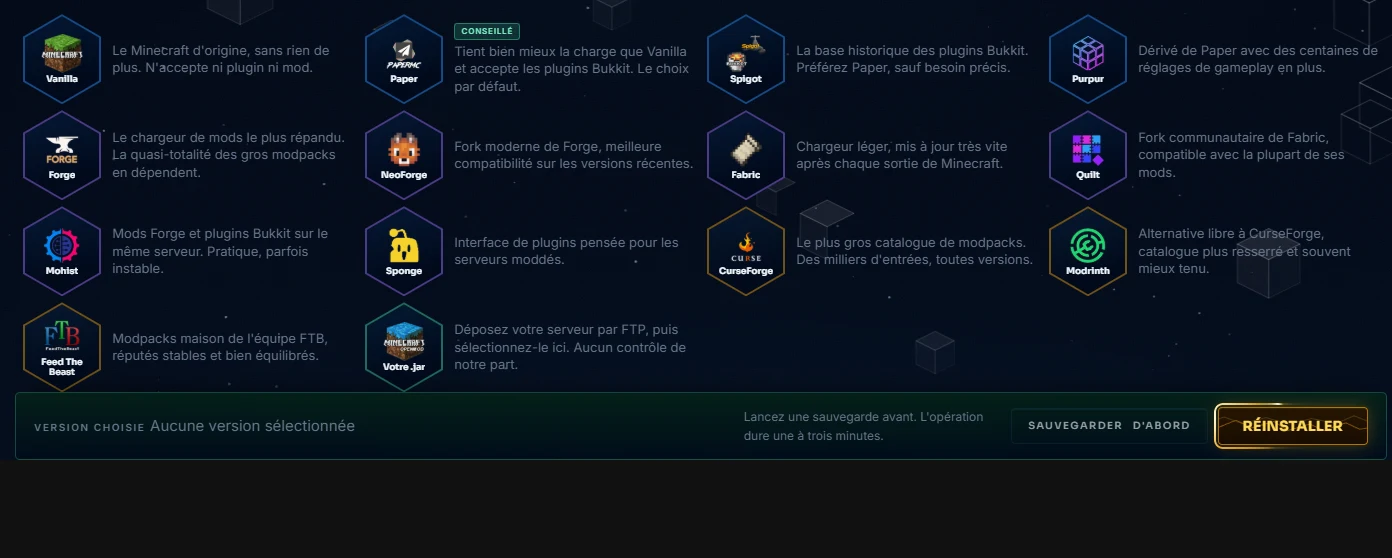
The selector shows the editors, then their versions: Vanilla, Paper, Spigot, Purpur, Forge, NeoForge, Fabric, Quilt, and the CurseForge, Modrinth or FTB modpacks. A simple rule of thumb: Paper supports plugins and handles load better than Vanilla, Forge, NeoForge and Fabric support mods, a modpack includes its entire ecosystem as a whole. Installation replaces the engine and restarts: your worlds and your configuration stay in place.
Targeted resets
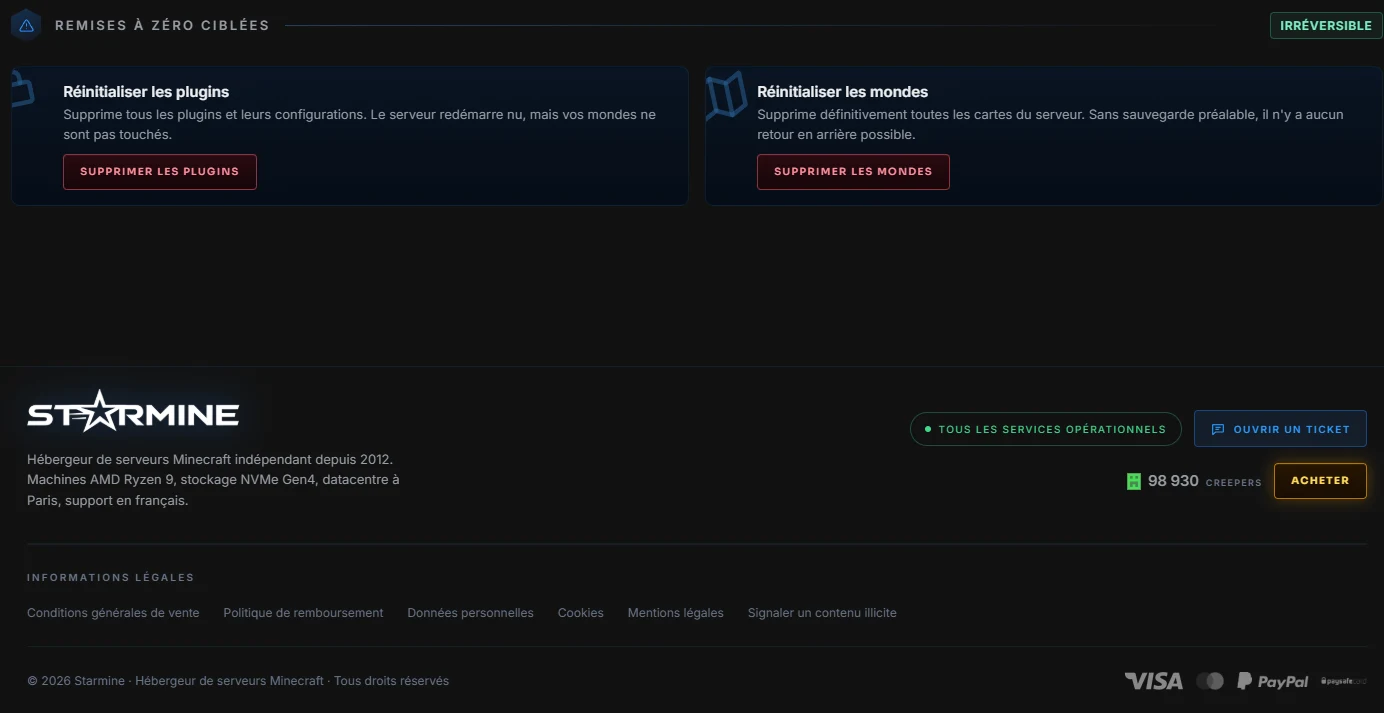
Each card in this area erases ONE thing, never more: worlds only, plugins only, or a full factory reinstallation. Read the card before clicking, the description says exactly what will disappear. And take the habit that saves you: a manual backup from the Backups tab just before any operation on this page. Two clicks now, no regrets later.
For a simple update within the same family, for example a modpack that releases a revision, the Update button on the Settings page is enough: automatic backup, engine swap, restart, without touching anything else.