
An automatic backup runs every night to a machine separate from the one hosting your server, you can trigger a manual one before each risky operation. The page lists them all, dated to the minute, and restoration is chosen a la carte.
Restore points
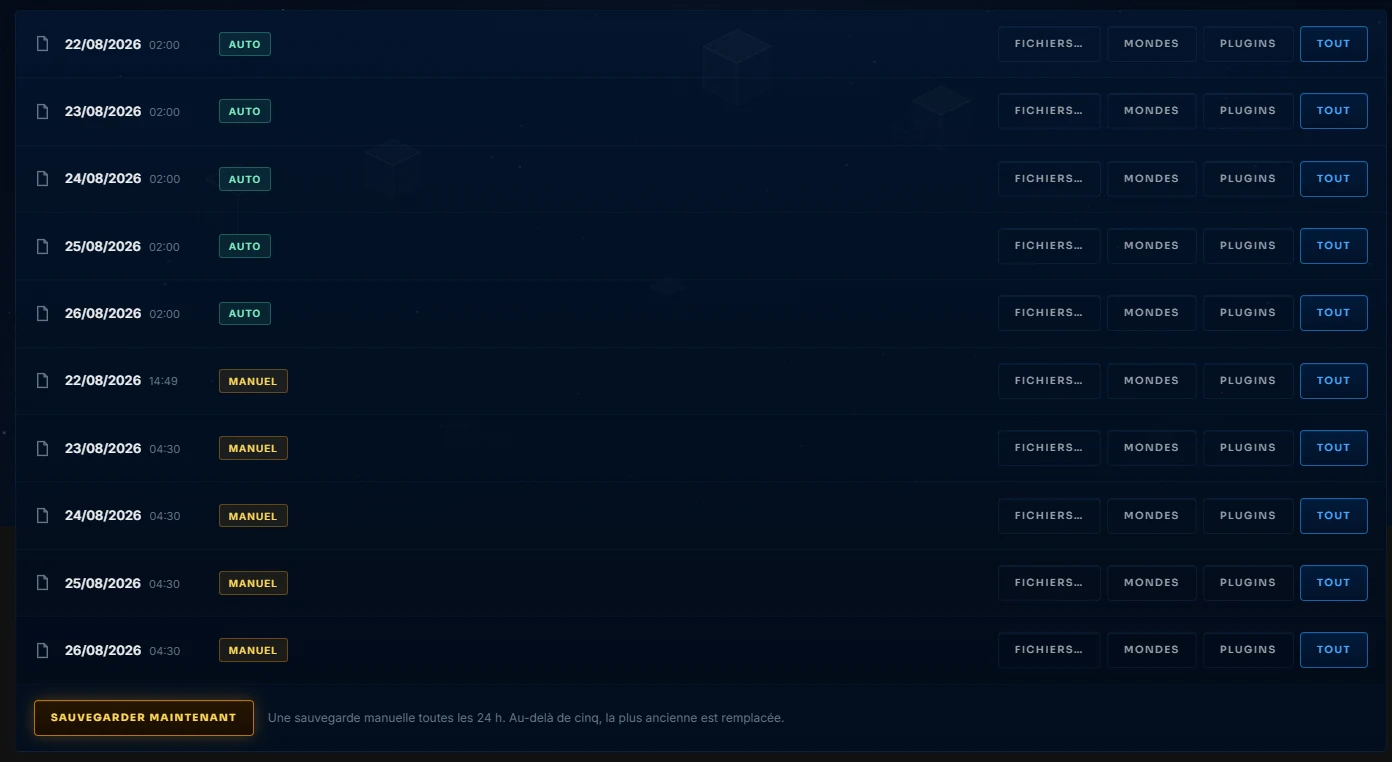
Two columns, the automatic ones from the night, the manual ones you triggered. Restore offers three scopes: worlds only to go back before the disaster without touching the plugins, plugins only to undo a bad installation, or everything for a full rollback. Restoration stops the server, replaces the files, and gives you control back.
The two reflexes that save you
First, a manual backup before every major action, modpack installation, version change, major cleanup. It costs two clicks and turns any mistake into a simple rollback. Then, the manual backup of the day acts as a safety net for the panel operations that need it, the version update triggers it automatically before switching the engine, for example.
Retention keeps several days of history, enough to go back before a problem discovered late, not just the one from last night.